The operating model
One operating system. Multiple control towers.
Data to Decision Field Guide
One secure foundation for every function, from the first record to the final call.
Or scroll to see howThe shift
Computers: we learned to type, save and share, together.
Databases: one official record replaced piles of paper copies.
Folders and naming rules: everyone could find the same file.
AI and agents: now we need clean data, clear owners and guardrails.
The teams that set up the basics first moved the needle. This is that moment again.
Executive summary · Operating model
What it is: an operating system for the whole organization. Your data, AI, security and tools are packaged once, then reused by every function. It scales as you grow and stays resilient when something breaks.
Functional control towers. HR, Sales, Finance, IT, Compliance and more each run their own tower.
People + AI agents. People decide. Agents find, draft and automate for them.
Security, privacy + governance. One set of rules protects every person, agent and record.
Tools, systems + data. A governed data fabric connects the systems you already have.
Infrastructure + models. Shared cloud and approved models keep it all running.
Executive summary · Control towers
What it is: think of an airport control tower. It watches every plane, keeps them safe and tells each one when to go. A business control tower does the same for requests and data.
Each function gets its own control tower. Here is the HR one in action.
A manager asks: "Who on my team is out next week?"
The tower finds it. Leave dates come from Core HR. Medical reasons stay behind.
Security checks. Is this their team? Is the purpose allowed? Every access is logged.
The answer goes out. Dates only, with the source, in seconds. The manager decides.
In practice · one record
You enter his new job in the official HR system.Why it matters: Everything downstream copies this entry. A typo here travels everywhere.
His record is matched, checked and cleaned.Why it matters: Duplicates are merged and job codes checked, so Iván counts once.
It becomes part of a headcount data product.Why it matters: One owner, one definition. Finance and HR finally see the same number.
An AI assistant can use it, inside a fence.Why it matters: It sees his job and team. Never his health, pay history or cases.
A named manager makes the call.Why it matters: Anything that changes his job, pay or rights needs a person.
AI can sort, draft, answer and flag. When a decision changes someone's job, pay or rights, a person decides.
Take it with you
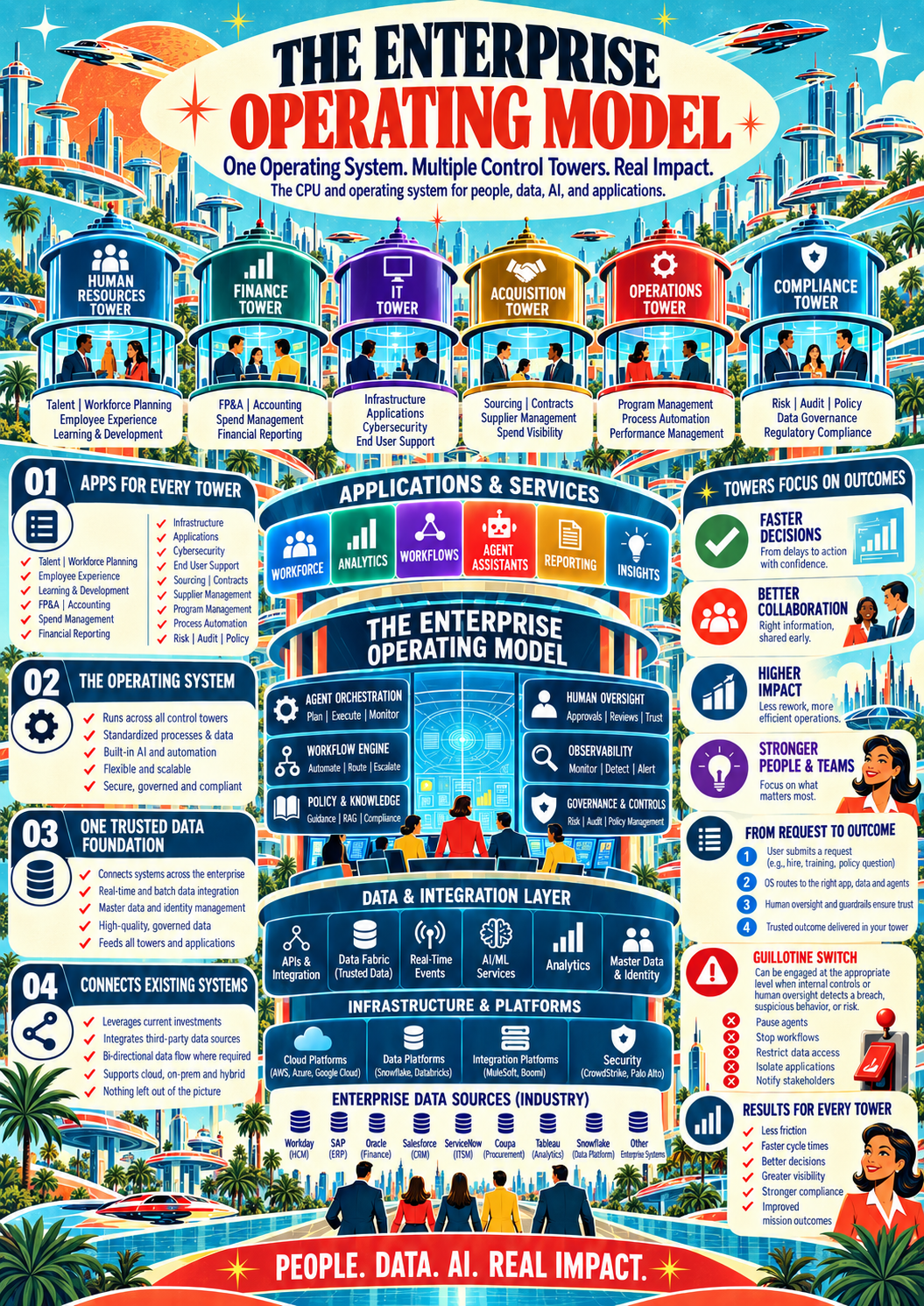
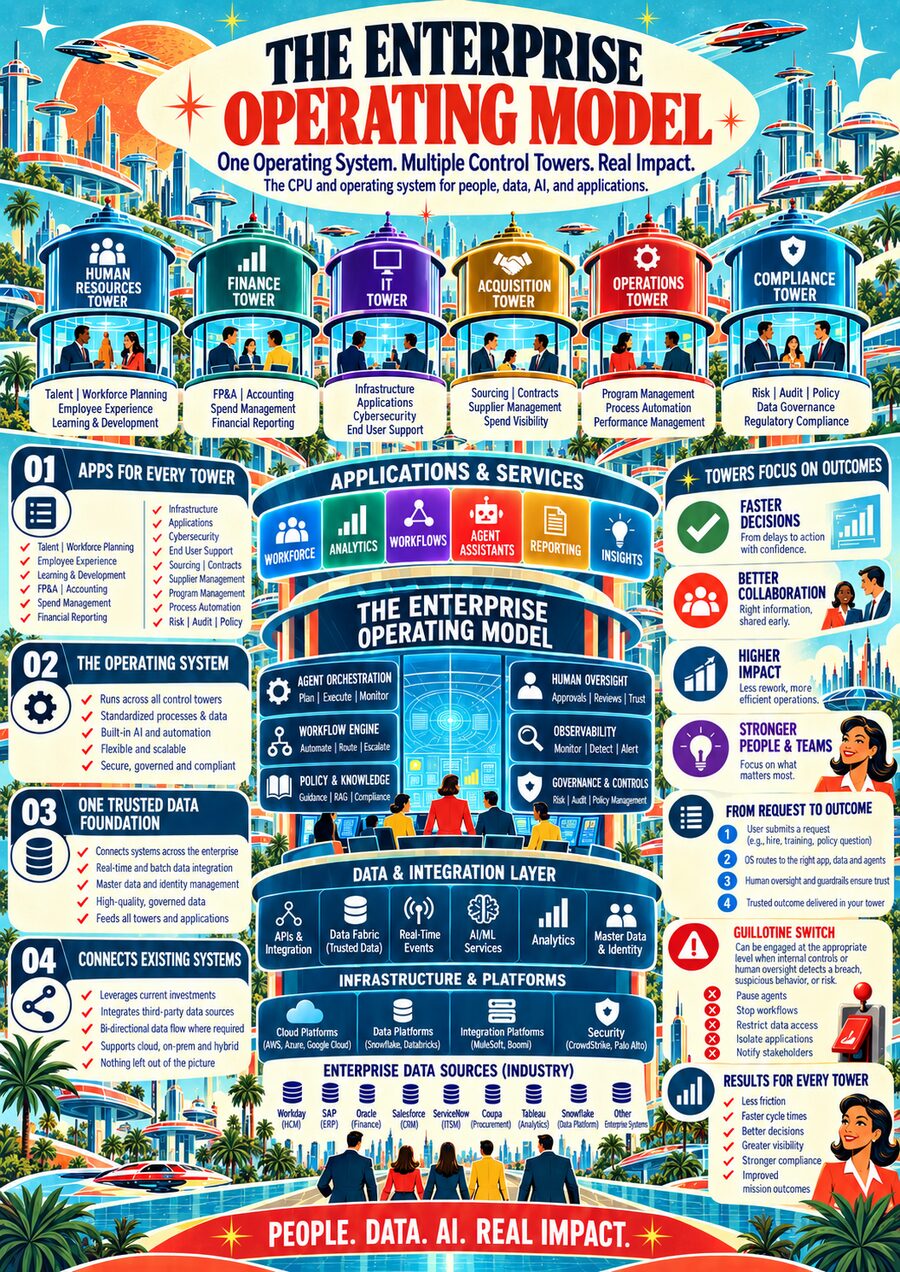
One operating system. Multiple control towers.
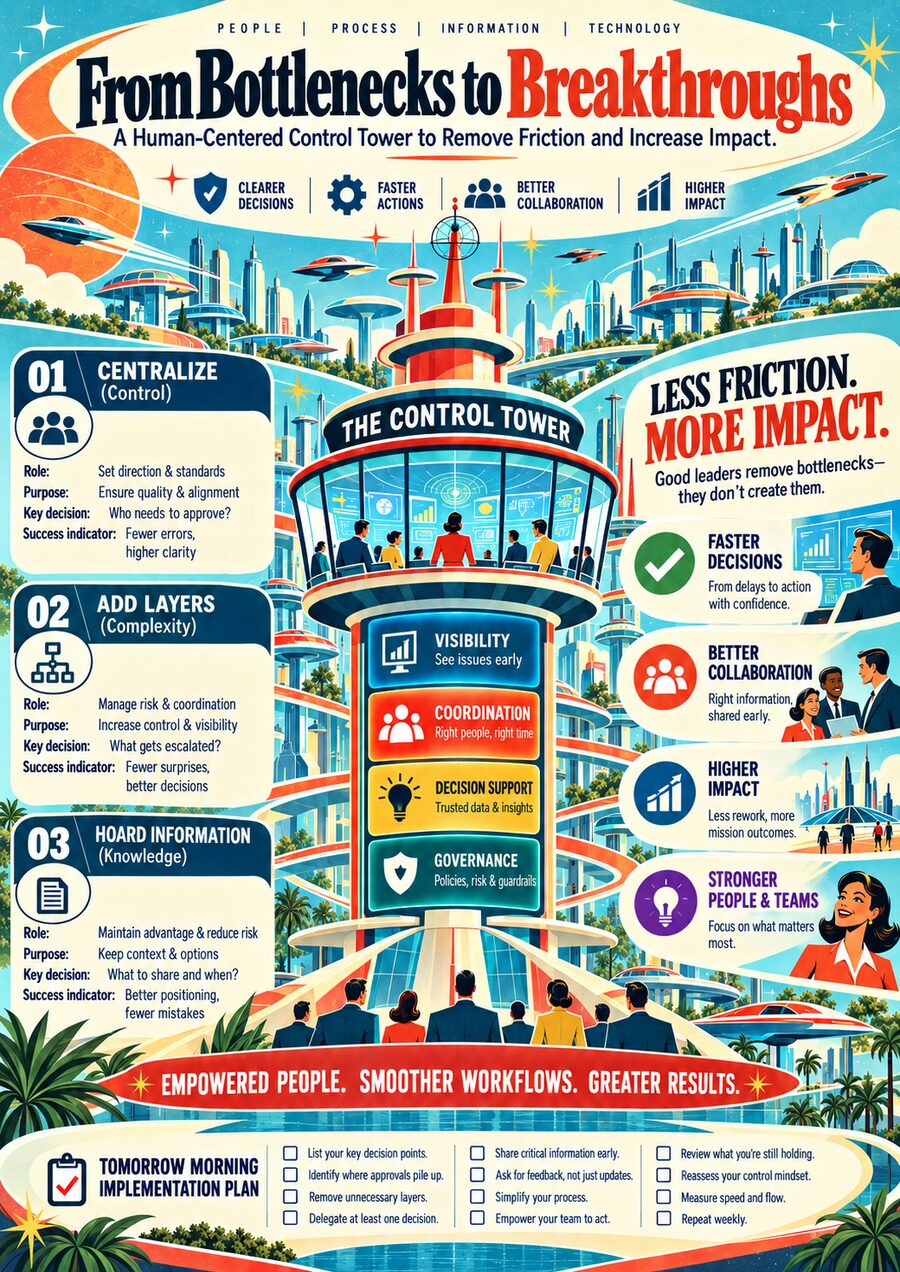
How a control tower removes friction, on one page.
Why it matters
Most organizations now run on several clouds and dozens of SaaS tools, and the mix keeps shifting through migrations, new vendors and new AI. This model keeps people, data and decisions lined up no matter where the systems live.
Eleven short topics online. The PDF is the full 53-page leadership packet on data, AI and cloud migration.
The operating model
Each control tower uses the same secure foundation to understand requests, find approved data, coordinate work, check results and keep people in control.
Faster, informed decisionsLower riskBetter employee experience
One enterprise foundation supports every control tower. Each keeps its own boundary.
People remain in control while agents support decisions and work.
Unified enterprise data fabric. Connects distributed data while preserving authoritative systems.
Choose a request and watch each step.
Each stage is handled by a specialist agent. Security and human oversight wrap every step.
Each business function gets its own tower. They all stand on the same data, security and AI.
Open a layer to see what it does and when the request uses it.
One operating system, multiple control towers: towers, apps, data and infrastructure on one page.
Operating modelHR control tower
How people, data, AI and decisions connect, today versus the future.
Coming inGoing outStopped by a rule
Press play to follow Iván, a new payroll analyst, from offer to day one.
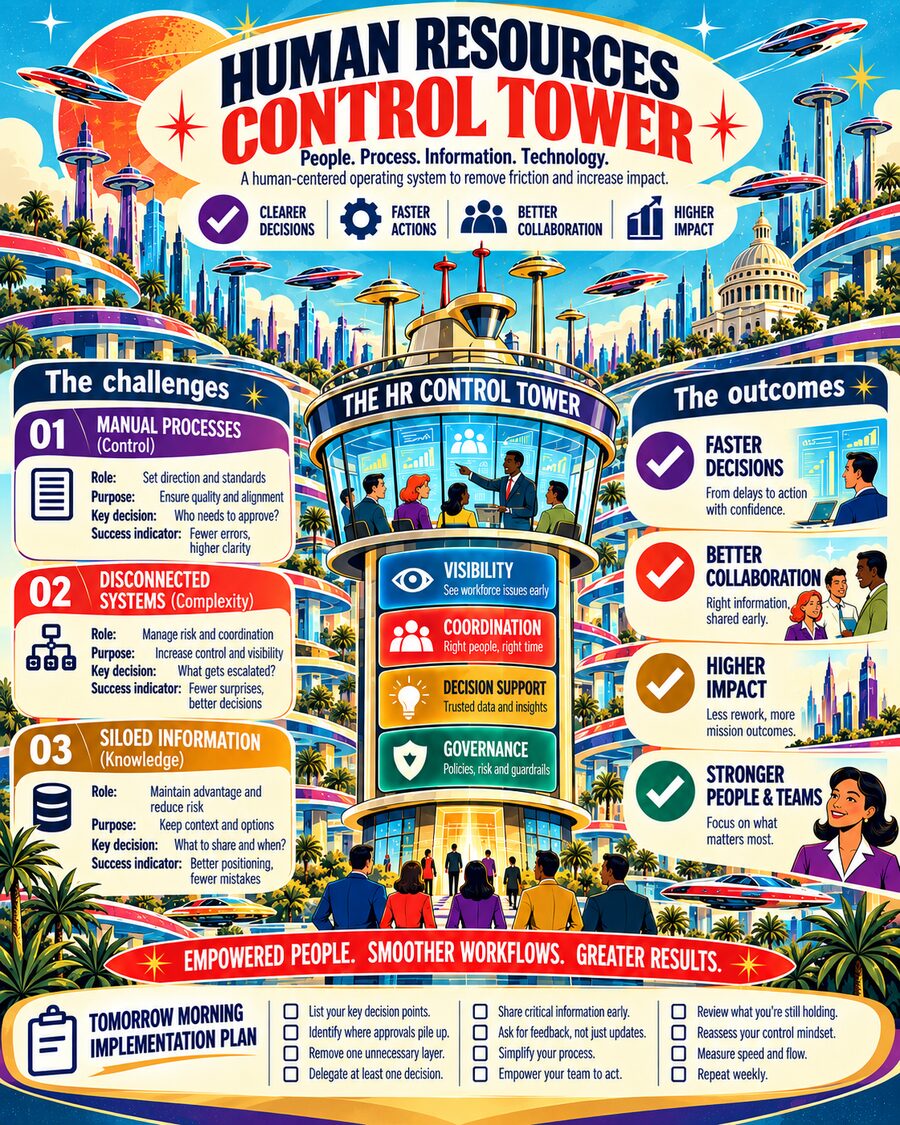
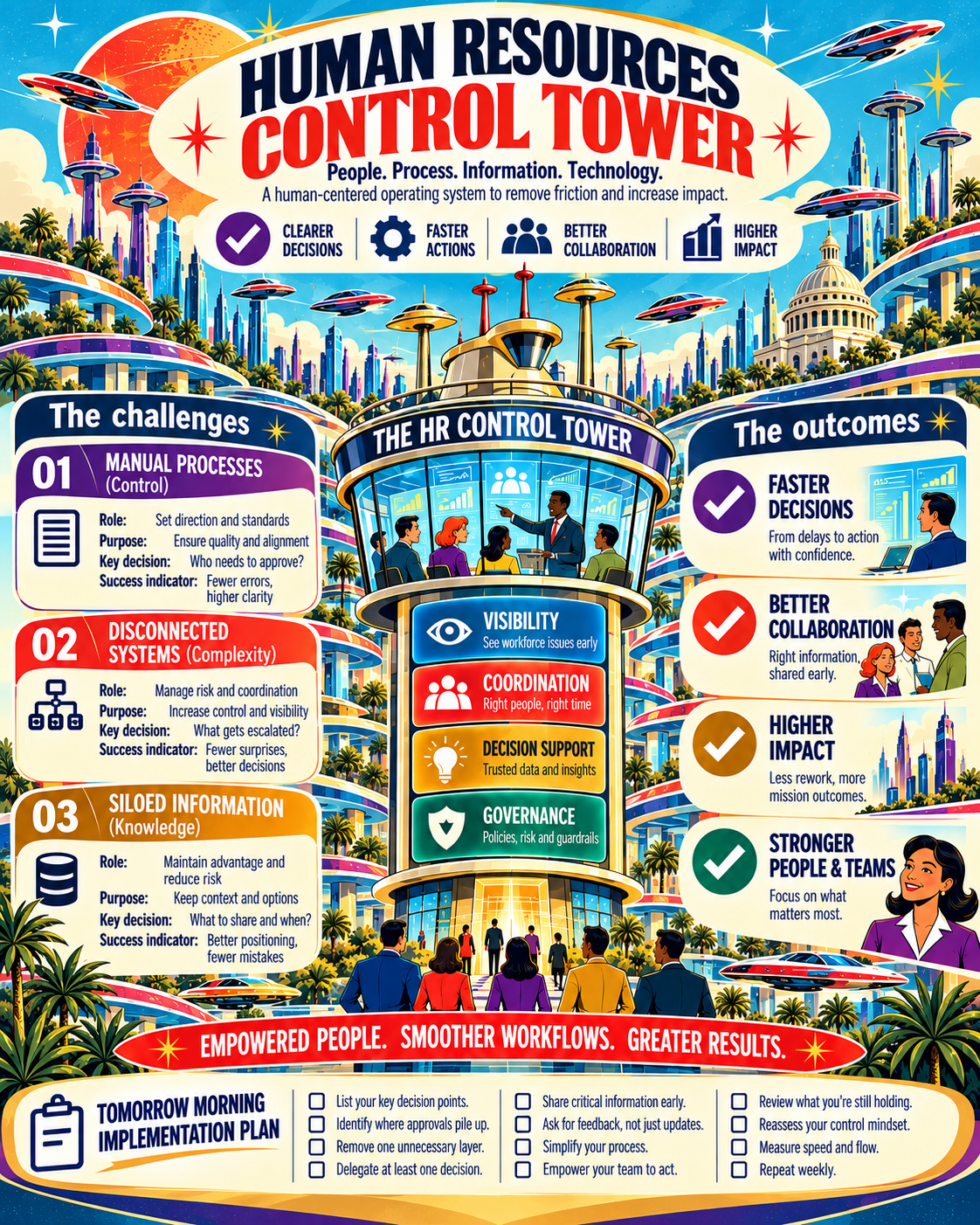
Challenges, outcomes and a tomorrow-morning plan on one page, for printing or sharing with leaders.
Eleven short modules in four chapters. Each one takes a few minutes.
Field guide
Eleven short topics in four chapters. Read in order or jump to what you need.
01Basics · 2 min
You touch HR records every day. Here is where they go next.
What you type in the official HR system is what every report, dashboard and AI answer repeats.
Scroll to read. Each topic opens with a picture, then a few short ideas. Tap the pictures; most of them move. Use Contents to jump anywhere, or download the PDF to keep a copy.
Tap a word to see what it means.
What you do
Why it matters · 3 min
If the record is wrong, every report and every AI answer built on it is wrong too.
Real example
A manager says the headcount dashboard is off by 3 people. What is the most likely cause?
Records were entered wrong at the source. Most report errors start as entry errors in the HR record. Dashboards only show what the record says.
A job code is typed wrong in the HR system. The headcount dashboard is now wrong. The AI assistant now tells a manager the wrong pay band. One small error travels all the way down.
Each dot is a record. Most pass. Some are held back for fixing.
12,480 new and changed records in one month. Each check removes some before AI can use them.
The model · 5 min
Data moves from the front door to a human decision.
Real example
A manager wants a report on team skills. Which layer builds it?
Reports and AI. Reports are built from clean data in layer 6. They read the record. They never change it.
Ask yourself
The experience · 4 min
Pick a person.
Real example
An employee needs leave and has no idea where to start. What helps most?
One front door that routes the request. One entry point that knows the process saves the employee from guessing between systems.
Lower is better. Switch the person above to compare.
05Protecting people · 4 min
AI never browses raw HR tables. It only sees what passes the filter.
Names, IDs and health details are removed or masked before any assistant gets the data. Pick a type to see the rule.
Pick a data type above. The matching rule lights up.
From source to action, each hand-off is recorded, so anyone can check who saw what and why.
Every step is logged
Real example
A manager asks the AI assistant who on the team is on medical leave. What should happen?
It refuses and points to the HR partner. Health data is fenced off. Initials still identify people. The assistant routes to a human.
Even initials or a team of three can identify someone. That is why health and case data stay fenced, and the assistant routes the question to the HR partner instead of guessing.
What you do
Using AI · 4 min
The bigger the impact on a person's job, pay or rights, the less AI should do on its own.
Real example
Recruiting has 400 applicants this week. Where should AI help?
Schedule interviews and draft emails. AI takes the busywork. Choosing or rejecting people stays with a recruiter and hiring manager.
Each dot is an HR task. The further right, the more it affects a person. The higher, the more AI may do alone.
Answers from approved policy. Hands off the hard cases.
Human gate: disputes and exceptions
Spots skill gaps from clean data.
Human gate: planner checks and decides
Drafts outreach and flags slow steps.
Human gate: who gets an offer
AI may sort evidence. It never picks.
A person decides. Always.
Bars show how much the AI may do on its own, from 0 to 5.
Drag each task to where it belongs. On a phone, tap a task, then tap a box.
AI can help
A person decides
The infrastructure · 6 min
HR data lives across several vendors' clouds.
Real example
Iván's Teams account was not created on day one. Which system do you check first?
Entra ID, which gets his record from HCM. Accounts come from the identity system, which is fed by the official HR record. Check that link first.
Eight stops across five vendors. Tap a stop or press Next.
You earned 0 of 8 trust stars. Press Walk again to try for all eight.
The full system map. Stops light up here too.
Step 0 of 8
Iván accepts a job offer. Watch his data move, one system at a time.
SaaS partners
Oracle Cloud
Microsoft Azure
Google Cloud
People
Illustrative pattern. Your organization's systems may differ. Hosting a copy in another cloud never moves authority away from the system of record.
Drag each system onto the job it does.
Holds the official record
Decides who can log in
Stores clean data for reports
Shows dashboards
Vendor collaboration · 4 min
Each vendor is responsible for its own service.
Real example
Oracle HCM is down for a planned patch. Whose job is it to bring it back?
The vendor. Vendors own uptime and patching. Your job is to know who to call and to log the impact.
Filled dots own the task. Rings support it.
Governance · 3 min
Five controls are shared by everyone.
Real example
A team wants to send a salary report to every manager. Is that allowed?
Only if access rules allow it by role and purpose. Shared rules travel with the data. Internal does not mean open to everyone.
Pick a control to see what it means.
Scorecard · 3 min
Every good number has a guardrail next to it.
Real example
AI now finishes 74% of tasks without rework. Is that good news?
Check how often people override it first. A good number needs its guardrail. High overrides would mean people do not trust the output.
Each measure trends over eight months. The guardrail beside it must hold steady.
Wrap up · 2 min
That is the whole guide. Keep a copy to hand.